LMS amplification
Google Classroom
Canvas
Schoology
Teams
Brightspace
Classlink
Innovation Assessments separates Active and Archived courses so you keep every lesson, rubric, and submission without paying for capacity you are not using. The free tier is not a trial. It is ongoing access with smaller limits, and you upgrade only when your live teaching load grows.
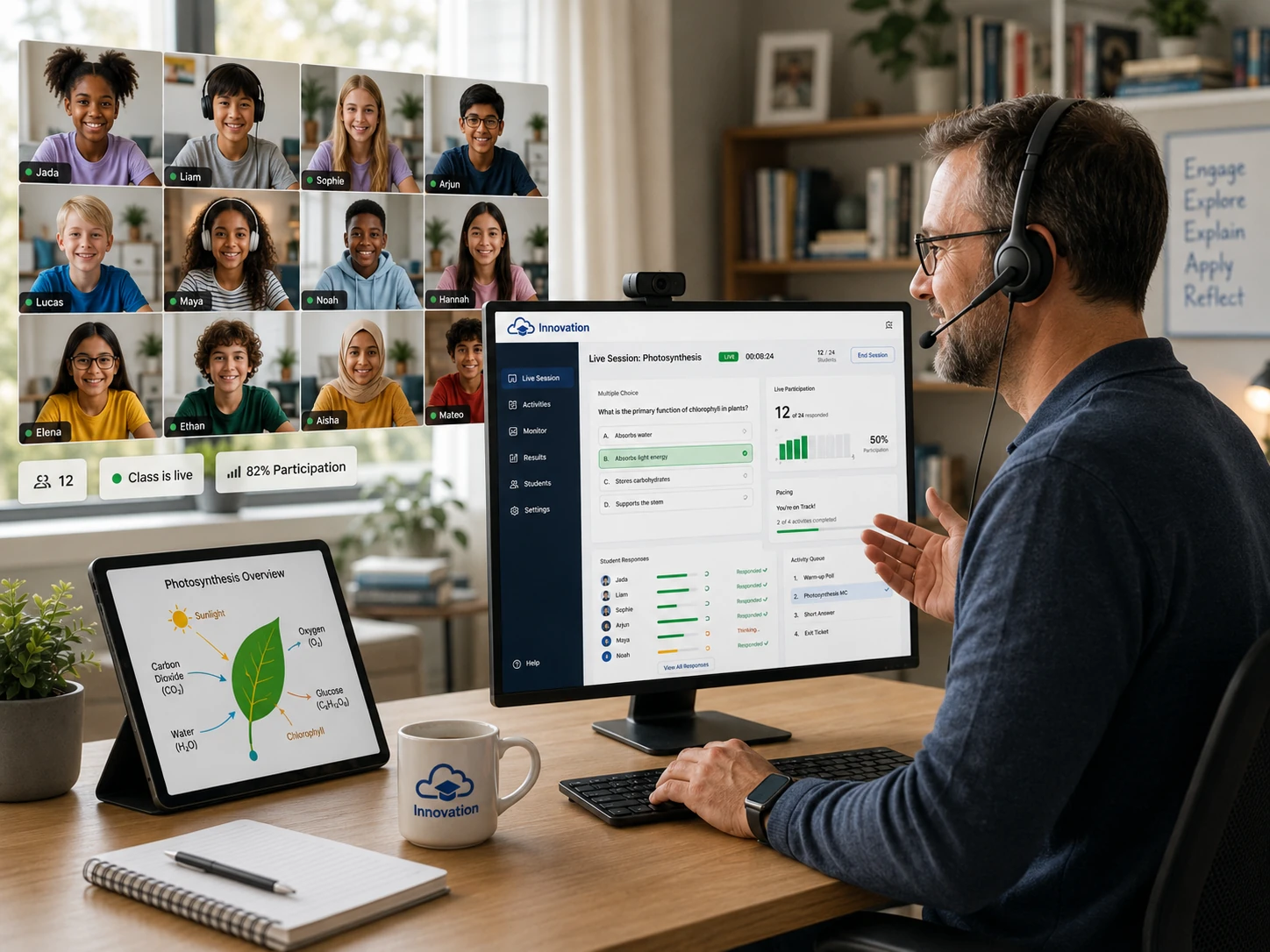
Innovation tasks live alongside Google Classroom, Canvas, Schoology, Microsoft Teams, or any platform that allows an external link or module embed. Drop a task URL into your LMS and keep grades, announcements, and rosters exactly where teachers expect them.
Choose the tier that fits where you teach today. Upgrade only when you are ready to launch more active classes.
Every account starts on the free tier first. Upgrades happen later from inside the dashboard when you are ready for more capacity.
Typical usage based on teacher activity. Actual counts vary by prompt length and attachments.
Educators in the same organization can publish tasks, rubrics, and prompts to a shared pool for colleagues to import.
List any resource to the shared pool so teammates can import and adapt it.
Free plan: up to 8 exports shared and 8 imports pulled from colleagues.
Pro plan: unlimited exports and imports across your organization.
Sharing stays inside your organization; attribution remains intact on import.
Archiving freezes activity and keeps your work available while your account remains active. Reactivation is one click once a slot opens.
Where day-to-day instruction, grading, and AI-supported workflows happen.
Counts against
Keep every rubric, student artifact, and data story for the life of your account.
Free + Pro can
Free plan cannot
Moving a course from Archived to Active consumes one available active slot. As soon as you archive another course or upgrade, you can reactivate instantly. No countdowns, no lockouts, no content threats.
Archived access depends on keeping your account in good standing and the service operating. We recommend exporting key records for your own backups.
See how the Free and Pro plans balance capacity, AI usage, and instructional freedom.
| Feature | Free | Pro |
|---|---|---|
| Active courses | 2 | 10 |
| Archived courses | Unlimited | Unlimited |
| Total students | 60 | 250 |
| Elements per course | 35 | 500 |
| PowerPoint storage (PPTX) | 450 MB | No limit |
| AI tokens / month | 30,000 (pauses when used) | 500,000 |
| Duplicate / reuse content | ||
| AI tools available inside archives | ||
| Shared resources (org-wide) | 8 exports / 8 imports | Unlimited |
| Auto-reactivation when slot frees | Manual | Priority |
When token allowances are exhausted, instruction continues uninterrupted. AI resumes on the next allocation, and top-off AI token packets are available when you need extra.
Your LMS stays fully usable between semesters; availability depends on maintaining an active account.
When you are ready to run more live courses or leverage AI at scale, Pro unlocks everything instantly.
Simple answers about LMS pricing.
These plans cover the Innovation Assessments LMS platform and its assessment tools, classroom resources, and AI-supported workflows.
Yes. The Free plan includes ongoing access with smaller limits. It is not a trial, and you can upgrade any time.
Yes. Teachers can upgrade to Pro whenever they need higher limits or expanded AI usage.
Yes. Archived courses preserve your content while not counting against active limits.
No. The free tier is ongoing access with smaller limits. It is meant to be a real permanent starting point, not a short countdown.
Your classroom does not shut down. Instruction continues, your LMS workflow still works, and AI becomes available again on the next allocation or with added token capacity.
Yes. Innovation is designed to plug into the LMS you already use through links and modules, so you do not have to rebuild your classroom around a separate system.
Yes. Teachers in the same organization can share tasks, rubrics, and prompts. The free tier has limited imports and exports, while Pro removes those sharing caps.
You can archive a course to free a slot, reactivate when space opens, or upgrade to Pro for more live capacity. The goal is to expand when your teaching load actually grows.
Pricing is built for the Innovation Assessments LMS platform and scales with active teaching needs while keeping archived content accessible.
Last updated: May 31, 2026